![pobble-logo-white-shadow.png]](https://help.pobble.com/hs-fs/hubfs/pobble-logo-white-shadow.png?height=50&name=pobble-logo-white-shadow.png)
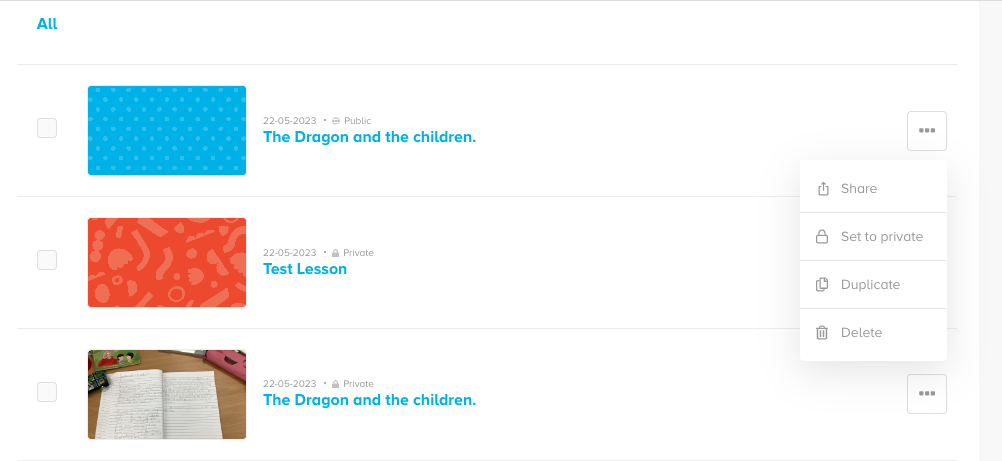
In the 'saved resources' area you will see three dots to the right of every lesson. If you click on this you will see a dropdown which includes an option to share with a teacher. Click 'Share'.
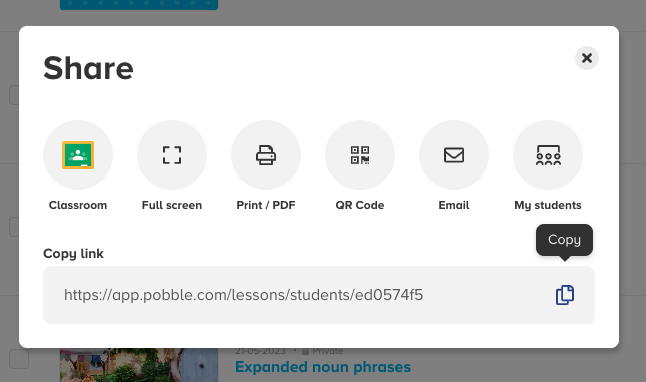
Click 'Email'.
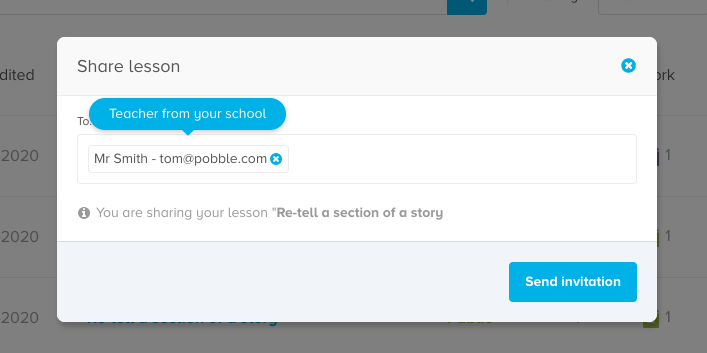
Enter your colleague's email and send the invitation.
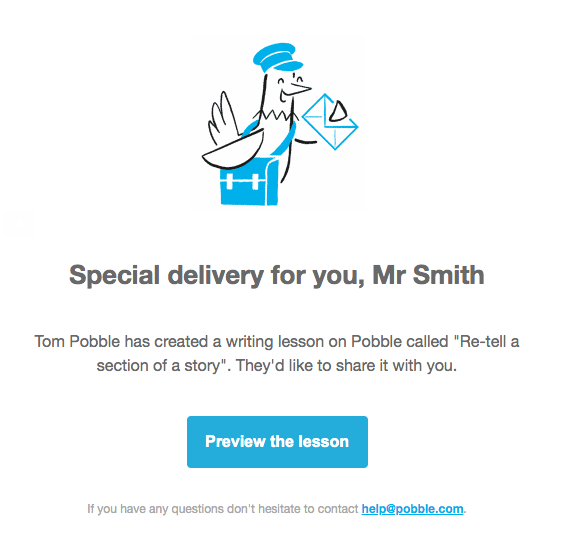
Your colleague will receive an email inviting them to view the lesson. They will also find a copy in their 'shared with me' list (also found in the saved resources area). This is also a great opportunity for them to sign up for Pobble if they have not already done so.